

TVIP BOX
Click here to view step-by-step instructions for setting up or updating the portal on your TVIP box.

MAG BOX
Click here to view step-by-step instructions for setting up or updating the portal on your MAG box.
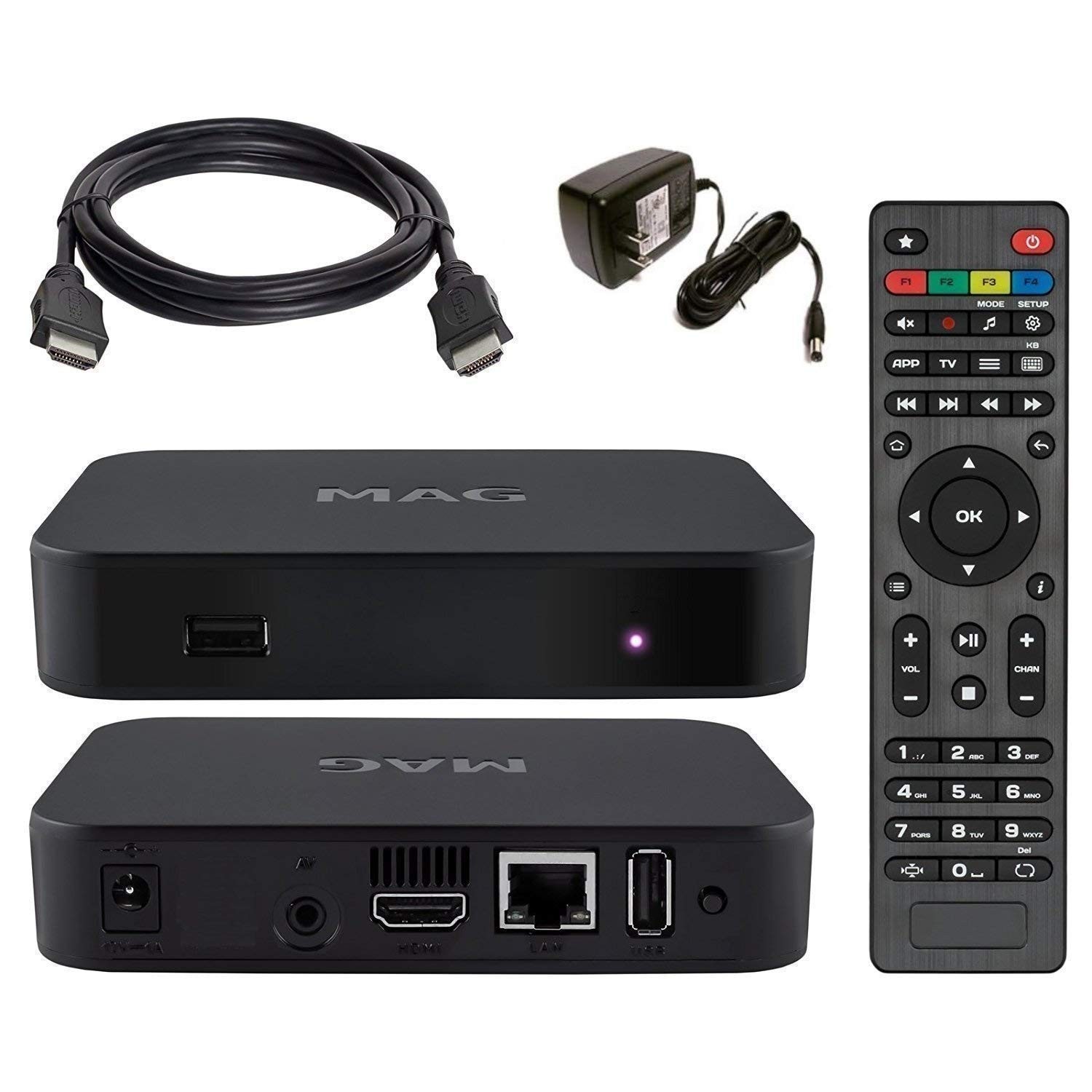
MAG BOX VERSION 2
Click here to view step-by-step instructions for setting up or updating the portal on your MAG box.

FORMULER BOX
Click here to view step-by-step instructions for setting up or updating the portal on your FORMULAR box.